
What Is IPTV Online TV? A Plain-English Guide
What is IPTV online TV, and how is it different from a dish or a cable box? In short: your channels arrive over the internet, through an app. This guide explains how online TV works, step by step, without the jargon.
If you have only ever watched TV through an aerial, a satellite dish or a cable box, “IPTV” can sound technical. It is not. This guide explains how online TV works in plain English, what you need at home and what it costs.
What is IPTV online TV, in one minute
IPTV stands for Internet Protocol Television. Instead of the picture arriving through the air or along a TV cable, it arrives over your internet connection, the same one you use for email and video calls. An app on your TV, box, phone or computer turns that stream into something that looks and feels like normal TV: a list of channels, a remote control and an on-screen programme guide.
You get two kinds of content:
- Live channels: sport, news, entertainment and more, shown at the time they are broadcast.
- On demand: a library of films and series you can start, pause and resume whenever you like.
How online TV works, step by step
- The channels are prepared for streaming. Each live channel is converted into a digital stream that can travel across the internet.
- Your internet connection carries the stream. Fibre, broadband or a 4G/5G home router delivers the data to your home.
- Your router passes it to your device, either by cable or over Wi-Fi.
- A player app decodes the picture. The app on your Smart TV, box, stick, phone or computer turns the data back into moving pictures and sound.
- You choose what to watch from the channel list, the TV guide or the on-demand library.
The whole journey takes a moment, which is why changing channel feels almost instant on a good connection.
What you need at home
| You need | Why | Notes |
|---|---|---|
| An internet connection | Carries the stream | Roughly 10 Mbps for HD, 25 Mbps for 4K, 50 Mbps for 8K |
| A compatible device | Runs the player app | Smart TV, Android TV box, streaming stick, MAG box, phone, tablet or computer |
| A player app | Shows channels and the guide | We tell you which one suits your device |
| Login details | Unlocks your plan | Sent to you on WhatsApp when you order |
No dish, no aerial, no engineer and no contract.
IPTV compared with traditional TV
| Compared | Satellite or cable TV | Online TV (IPTV) |
|---|---|---|
| How it arrives | Dish or cable into the house | Your internet connection |
| Installation | Often needs an engineer | Install an app and sign in |
| Contract | Often a minimum term | None: you choose the length |
| On demand | Sometimes extra | Included |
| Extra rooms | Often an extra box and fee | Any compatible device |
Words you will come across
- EPG (Electronic Programme Guide): the on-screen TV guide showing what is on now and next.
- Catch-Up: replaying a programme that has already been shown, from the guide, on channels that support it.
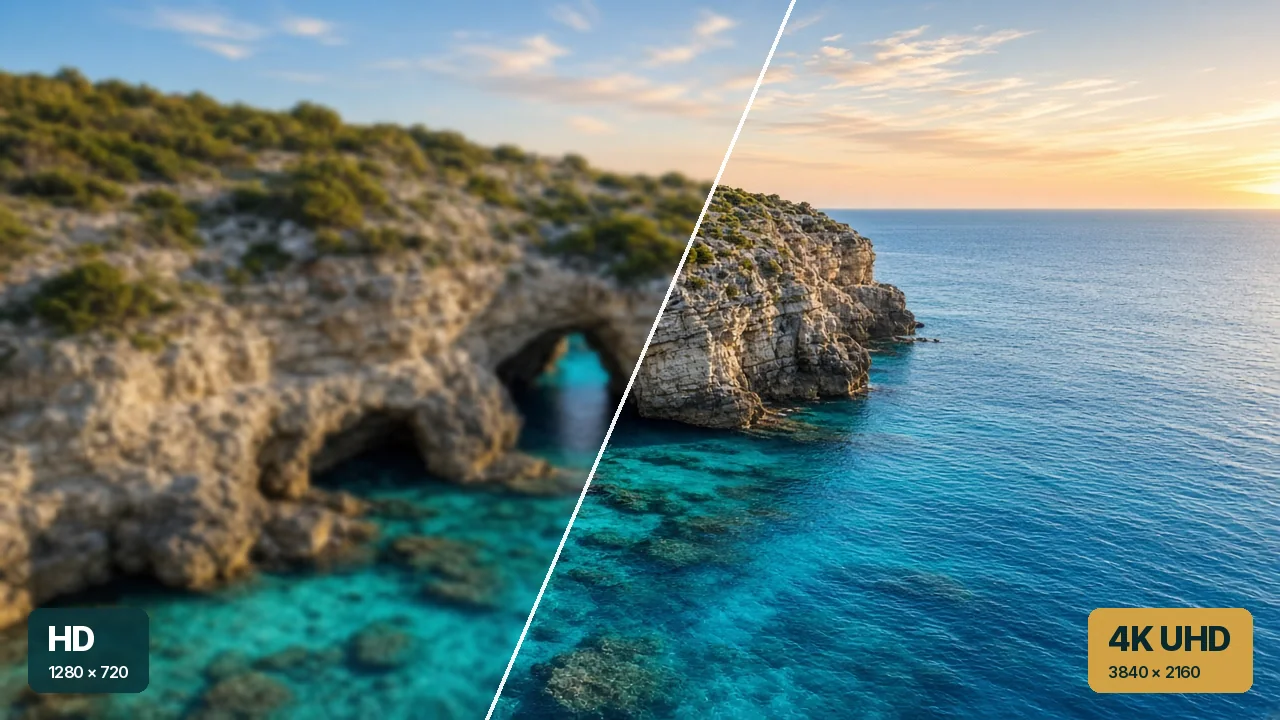
- 4K and 8K: sharper picture formats. 4K has four times the detail of Full HD; 8K has four times the detail of 4K.
- Buffering: a pause while the app waits for more data, usually caused by weak Wi-Fi.
- VPN: an encrypted connection that keeps your viewing private on shared networks.
Does online TV use a lot of data?
It depends on picture quality. 4K uses several times more data than HD, and 8K more again. Many fixed home broadband packages have no data limit, so it often does not matter, but check your own package. If you use a mobile router with a data allowance, watching in HD keeps usage down. Our article on streaming TV on a budget internet plan explains how to choose the right package.
Is the picture as good as normal TV?
On a steady connection, often better. Every one of our plans includes HD, 4K and 8K, so the limit is usually your TV and your internet rather than the service. A cable from the router to the TV gives the most reliable picture; Wi-Fi works well when the router is close by.
What it costs with us
Every plan includes the same features:
- HD / 4K / 8K IPTV
- 21,000+ Live Channels
- 128K+ Movies & Series
- Anti-Freeze System
- Catch-Up & EPG
- Built-in VPN
- 24/7 Free Support
Prices start at €12 for one month, and the yearly plan works out at €4.92 a month. See the affordable IPTV subscription page for every option, or read how to order IPTV online to see the process. Questions? Contact us. For the full overview, return to online IPTV in Cyprus.
What Is IPTV?: your questions answered
Is IPTV the same as a streaming app?
They are related. Both use the internet, but IPTV gives you live TV channels with a programme guide, as well as on-demand films and series, in one app.
Do I need a satellite dish or an aerial?
No. Everything arrives over your internet connection.
Does online TV use a lot of data?
It depends on picture quality: 4K uses much more than HD. If your internet plan has a data limit, watching in HD keeps usage down.
What equipment do I need?
An internet connection and a device that can run a player app: a Smart TV, TV box, streaming stick, phone, tablet or computer.
Next steps
-
How to Order
This is how to order IPTV online with us, from choosing a plan to pressing play. There is no checkout…
-
Plans
An affordable IPTV subscription should be easy to understand. Here are all four plans with the total price, the cost…
-
Questions
These are the IPTV Cyprus questions people ask before they order, grouped by topic. Every answer is short and straight.…

Start from €12
Every plan has every feature. Choose the length that suits you, or go for the lowest monthly cost at €4.92 on the 12 Months plan.