Cutting the Cord in Cyprus: A Simple Guide to Online TV
A calm, step-by-step plan for moving from traditional pay TV to online TV: what to check, what to keep and when to cancel.

“Cutting the cord” means moving away from traditional pay TV, delivered by satellite dish or cable box, to TV that arrives over your internet connection. It is a popular way to save money and gain flexibility. Done carelessly, though, it can leave you paying for two services, or with a gap in your viewing. This guide shows how to switch smoothly.
Is cutting the cord right for you?
It usually makes sense if most of these are true:
- You have a reasonably steady home internet connection.
- You are paying for channels or add-ons you rarely watch.
- You would rather not be tied to a long contract.
- Your household watches on more than just the main TV, such as tablets, phones or laptops.
If your internet is very slow or unreliable, fix that first. Online TV depends on it.
Step 1: Check your internet connection
Run a speed test on the device you will watch on, at the time of day you usually watch. As a rough guide:
- HD
- 10 Mbps
- 4K
- 25 Mbps
- 8K
- 50 Mbps
If your results are close to or below these figures, try a cable from the router to the TV before anything else. Our article on streaming TV on a budget internet plan explains how to work out what your household needs.
Step 2: Find your contract end date
Look at your current TV agreement for:
- The minimum term, and when it ends.
- The notice period, which is how much warning you must give before cancelling.
- Early-exit fees, if you leave before the end of the term.
- Equipment you must return, such as a box or remote.
Aim to switch at the end of your term so you do not pay exit fees. If you are already out of contract, you can usually leave with the notice period alone.
Step 3: List what your household actually watches
Spend a week noting what everyone watches. Group it into categories: news, sport, films, series, kids, Greek and Cypriot channels, UK and European channels, international. This list tells you what your new setup must cover. If one type of channel matters most to your household, ask about it before ordering; channel availability may vary.
Step 4: Choose your devices
You may not need to buy anything:
- Smart TV: most recent models run a player app directly.
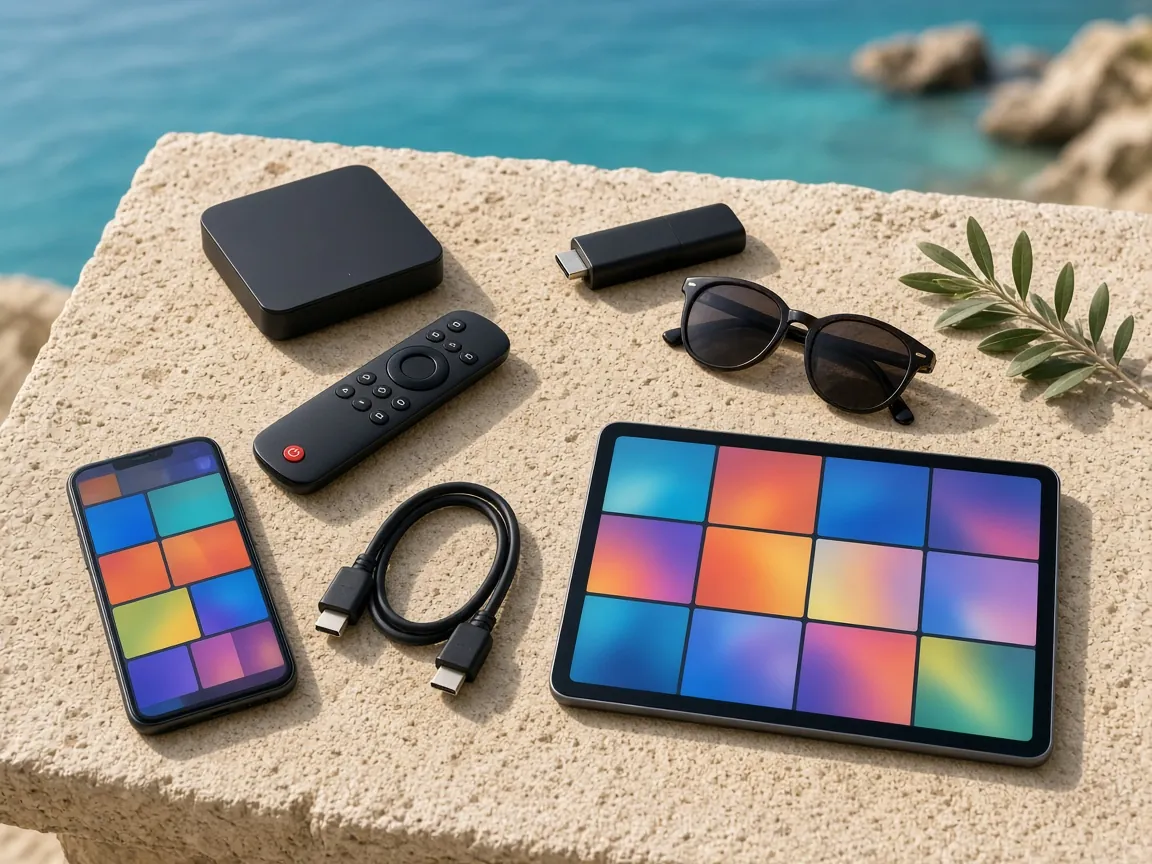
- Older TV with an HDMI port: add a streaming stick or Android TV box.
- Bedrooms and kitchens: tablets and phones work well.
- Home office: a laptop or desktop computer.
Step 5: Overlap for a short time
The safest way to switch is to run both services side by side briefly. With us, the 1 Month plan at €12 is ideal for this: it has exactly the same features as the longer plans, so you can check everything works on your TV and connection before your old service ends.
Start with the 1 Month plan (opens WhatsApp in a new tab)
During the overlap:
- Set up every device you plan to use.
- Build favourites lists for each family member.
- Try the TV guide and catch-up so nobody is caught out later.
- Watch at your busiest time of the evening to check your connection copes.
Step 6: Cancel the old service properly
When you are happy:
- Give notice in writing (email or letter), following your provider’s process.
- Ask for written confirmation of the cancellation and the final bill date.
- Return any equipment as instructed, and keep proof of return.
- Check your next bank statement to make sure payments have stopped.
Step 7: Choose your plan length and settle in
Once the old service has ended, choose how long to pay for. If you will watch all year, the 12 Months plan costs €59, which is €4.92 a month. For part of the year, the 3 or 6 Months plans may suit you better. Plans never renew automatically, so set a reminder before yours ends.
A simple switching timeline
| When | What to do |
|---|---|
| Four to six weeks before your contract ends | Check your contract dates, notice period and any equipment to return |
| One to two weeks before | Test your internet speed on the TV and fix any Wi-Fi blind spots |
| About a week before | Order a 1 Month plan and set up every device |
| During the overlap | Build favourites, try catch-up, watch at your busiest time |
| On the end date | Give written notice as required and return equipment |
| After the switch | Choose your longer plan length and set a renewal reminder |
Talking it through with the household
Switching goes more smoothly when everyone knows what is happening. Before you start:
- Ask each person what they cannot do without, so nothing important is missed.
- Show everyone the new app during the overlap, especially children and older relatives.
- Explain catch-up and the TV guide, which often replace the “recording” habit from the old box.
- Agree who to ask for help, and save our WhatsApp number on the family phones.
What you will gain, and what to watch out for
You gain:
- No contract and no long minimum term.
- TV on more screens around the home.
- On-demand films and series alongside live channels.
- No dish to maintain after storms, and no engineer appointments.
Watch out for:
- Dependence on your internet. If the connection drops, so does the TV. A router that restarts automatically after a power cut helps.
- Wi-Fi blind spots. Thick walls can weaken the signal; a cable or mesh system fixes it.
Common worries about switching
“Will it be complicated?” No more than installing an app. We send short, numbered steps for your device and help on WhatsApp if you get stuck.
“What if the internet goes down?” Online TV pauses until it returns, just as streaming apps do. A router that restarts automatically after a power cut, and a cable to the main TV, make interruptions rarer.
“Will older family members cope?” Usually yes, with a short favourites list and a note by the TV. Set it up together during the overlap.
“What if we change our minds?” There is no contract. Plans end when their time is up, so you are never locked in.
Most importantly, take it one step at a time. Switching is not a race, and a short overlap between the old and new service removes almost all of the risk. By the time you cancel, everyone at home will already be comfortable with the new way of watching.
Frequently asked questions
Will I need a new TV?
Usually not. A recent Smart TV, or a streaming stick in an older TV’s HDMI port, is enough.
Can I keep watching while I switch?
Yes. Overlap the two services for a short time, then cancel the old one once everything is set up.
What happens to my satellite dish?
It is no longer needed for online TV. You can leave it in place or have it removed.
How do I order?
On WhatsApp, in three steps. See how to order IPTV online.
Ready to make the switch? Compare plan lengths on our affordable IPTV subscription page, or message us and we will help you plan it. For the full overview, visit online IPTV in Cyprus.